MyPoly Simple Vocab Builder
Master vocabulary in over 100 languages. No expensive, cluttered courses. No forced subscriptions. Just pure vocabulary building, completely offline.
🌍 Master 100+ Languages,
Your Way.
Whether you’re tackling Spanish, Japanese, or a rare dialect, MyPoly supports over 100 languages. You aren’t limited to generic, pre‑made word lists either — the app gives you effortless data import and export, letting you bring in your own vocabulary through spreadsheets, text files, on‑screen capture, or even by scanning a QR code generated on the web. It’s a completely personalized language sandbox built around the exact words you want to learn.
🎯 Stronger Memory.
Better Pronunciation.
Moving words from short‑term to long‑term memory takes the right approach. MyPoly uses targeted training to make vocabulary stick. And because speaking matters too, its built‑in pronunciation trainer helps you fine‑tune your accent from day one. To deepen understanding even further, MyPoly can also generate example sentences so you see each word used naturally in context.
✨ Effortlessly Simple.
Fun to Use.
A language app only works if you actually want to open it. MyPoly removes all the friction with an ultra-clean, easy-to-use interface that lets you start learning in a single tap. Say goodbye to tedious flashcard drills—the app transforms daily vocabulary review into engaging, bite-sized games that make building your word bank feel like a fun mental break rather than a chore.
Inside the Mobile App
Everything you need to systematically grow your personal dictionary.
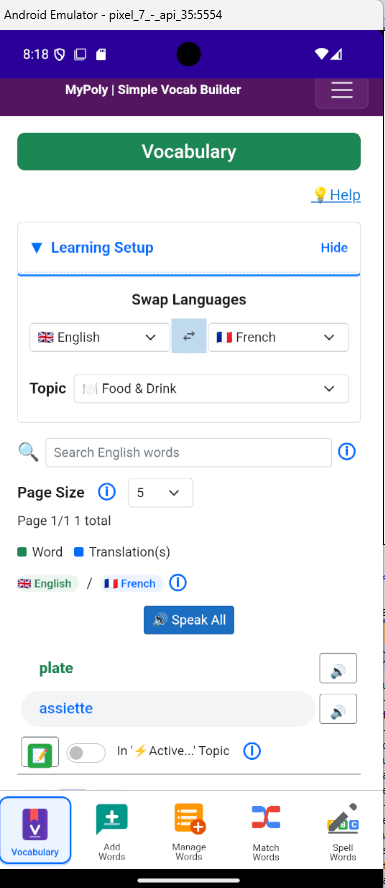
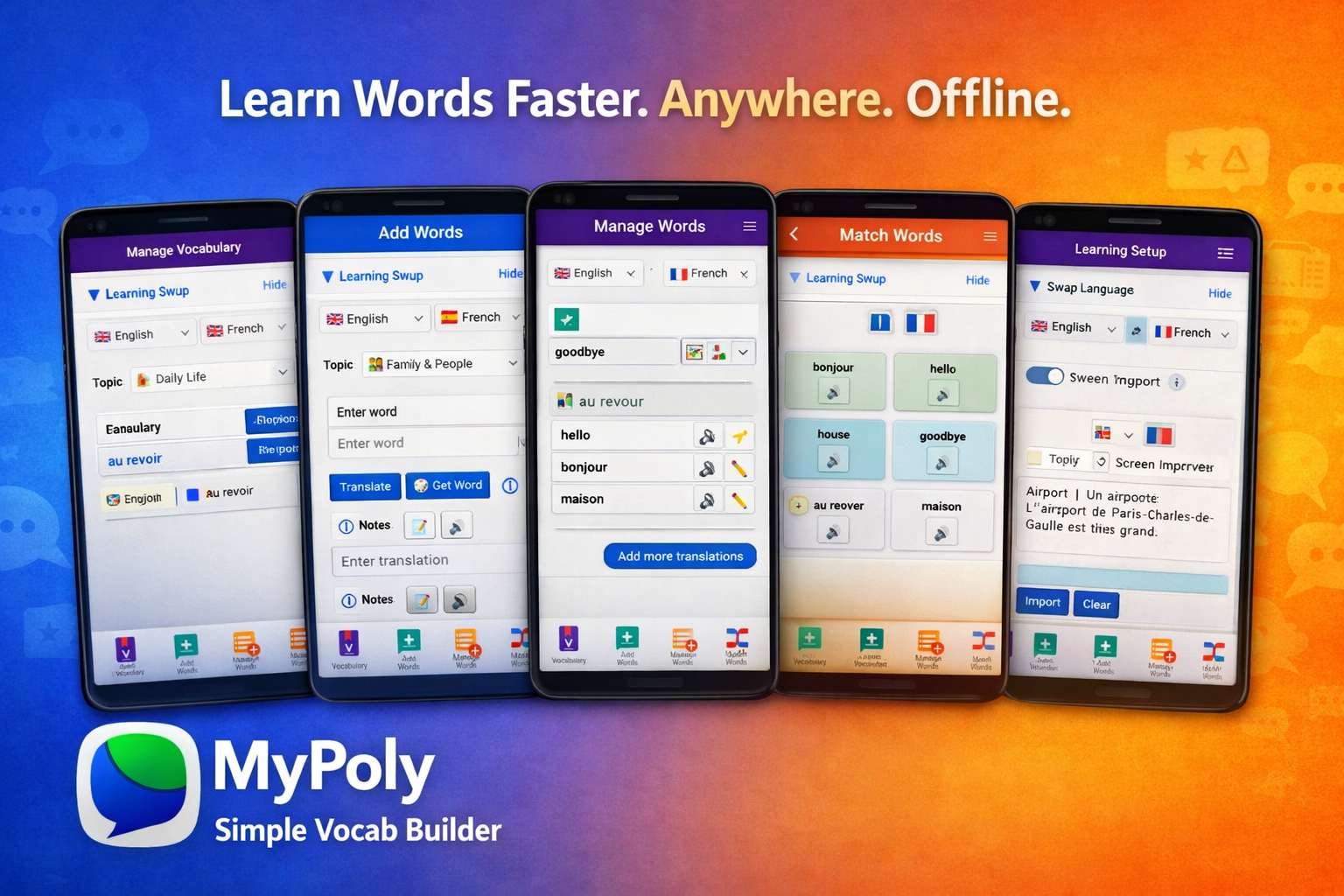
The Vocabulary page lets you review your saved words, translations, and language pairs by topic. Add your own notes to personalize your learning. Listen to your vocabulary lists or any texts on the go.
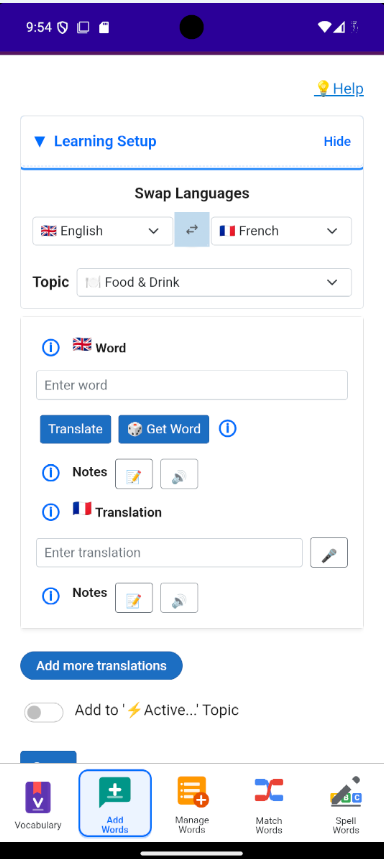
Add words, translations, and notes as you build your vocabulary. You can also generate random words with examples to expand your learning.
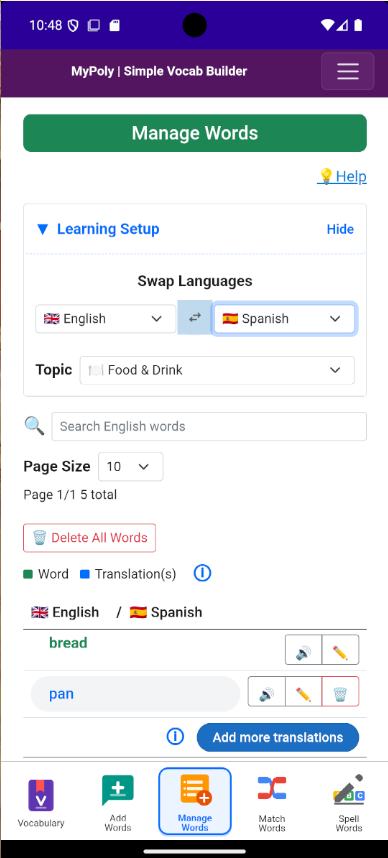
Edit or delete words and translations, and listen to their pronunciations.
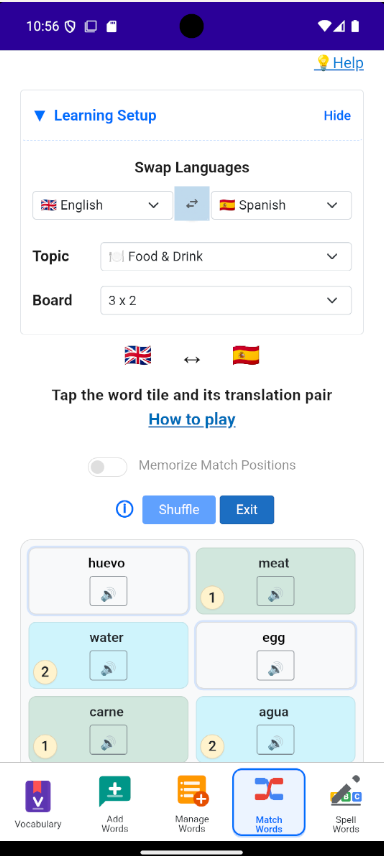
Play to match words with their translations in your selected languages.
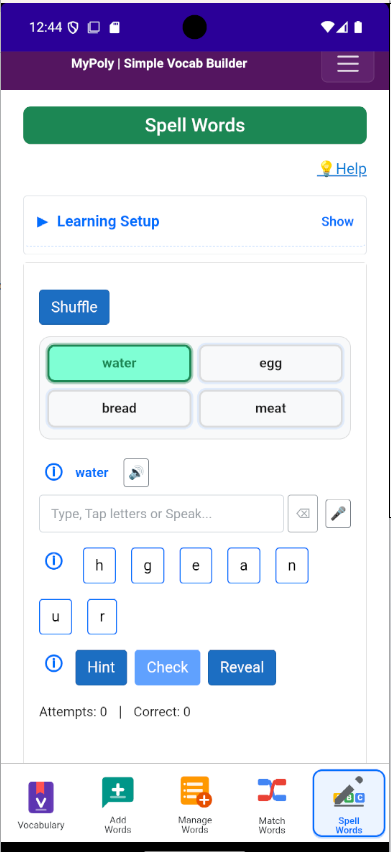
Spell out the translation by typing or tapping the on‑screen letters. Listen any PDF, EPUB, or TXT document, or book is read aloud page by page.
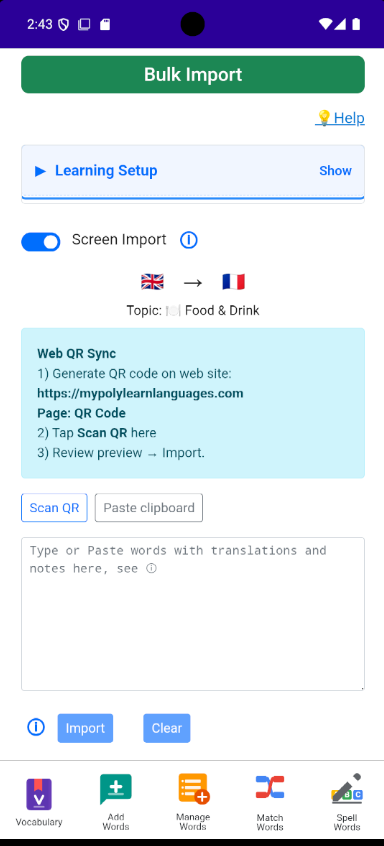
Import data from the screen, a file, or via a QR Code Words page from this Web site.
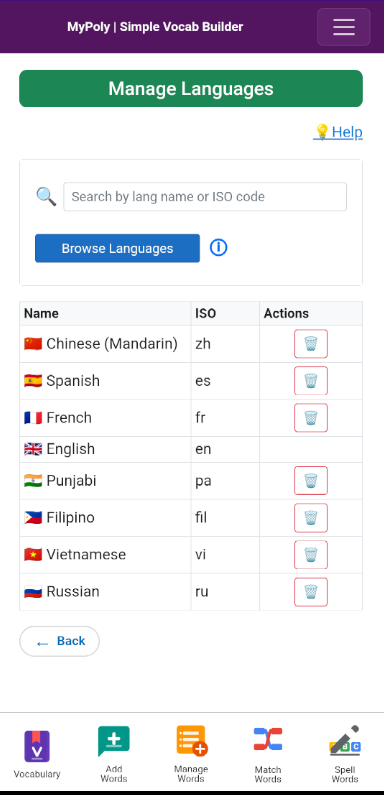
Add or delete languages as needed — more than 100 languages are available.
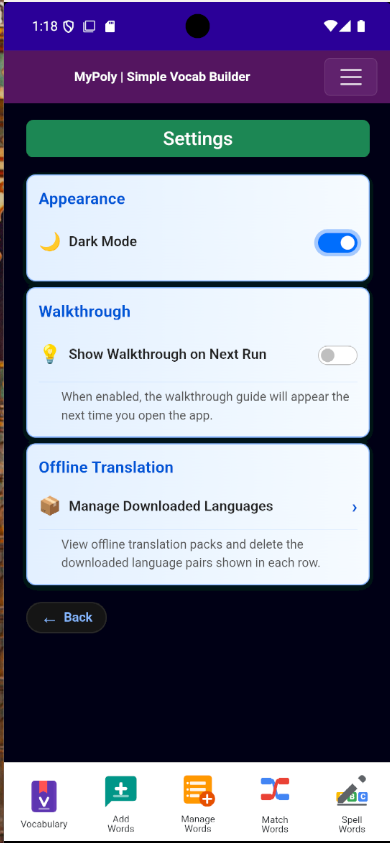
Switch between dark and light mode, view or remove downloaded language packs...